AV & Production
AV Briefing for Conferences
A good AV brief prevents the two most expensive conference failures: audio the back row cannot hear and slides nobody can read.
Front RowEvents Connect Editorial26 September 2026 7 min read
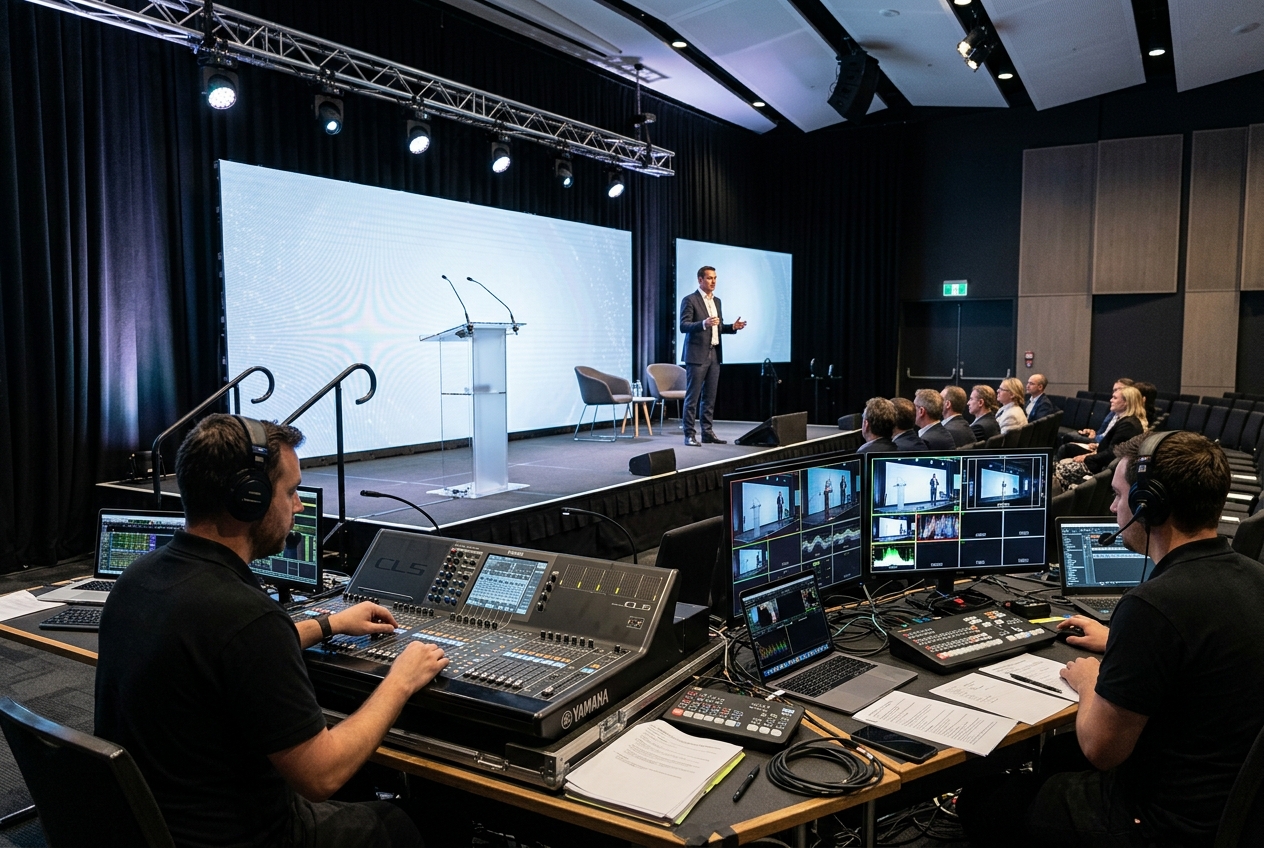
Most conference AV problems are briefing problems. The supplier quoted for the room they were told about, not the programme that actually happened. This is what an AV company needs from you, in the order they need it.
1. The room and the venue's facts
- Room name, dimensions and ceiling height. Floor plan if the venue has one.
- Rigging points and whether the venue allows them.
- Power: dedicated circuits, generator cover and where the distribution board sits.
- Load-in access, lift dimensions and the set-up window.
- In-house AV rules. Some venues require their own technicians for anything plugged into the house system.
2. The programme, not just the times
- Number of speakers and whether they present from a laptop, a shared machine or remotely.
- Panel discussions: how many people on stage at once decides microphone count.
- Awards or videos: content resolution, aspect ratio and who supplies the files, and when.
- Audience Q&A: roving microphones, a moderator tablet or an app.
- Breakaway rooms: each one needs its own kit and technician.
3. Audio first
Audio is the difference between a conference and a room full of people checking email. Specify:
- Lapel, handheld or headset microphones per speaker type.
- Delay speakers for long rooms and coverage for any overflow space.
- A recording feed if you plan to publish sessions.
- Confidence monitors so speakers can hear themselves without turning around.
4. Vision and screens
- Screen size relative to the furthest seat. A 3-metre screen is small at 25 metres.
- Aspect ratio and resolution, communicated to every presenter in the speaker pack.
- Comfort monitors, countdown timers and a lectern layout the speakers have seen before they walk on.
- Lighting that keeps faces visible on camera without washing out the screen.
5. Hybrid and streaming
If anyone joins remotely: a wired internet line with a stated upload speed, a streaming technician separate from the room team, a backup connection, and a plan for remote speakers to be heard in the room and see the audience.
6. People and timing
Ask for a named show-caller or technical director for anything over one room, a rehearsal slot with the real content, and a technician count that matches the number of simultaneous things happening.
What to send the supplier
The venue facts, the programme as a run sheet, the speaker list with presentation methods, your content deadlines and one contact who can make decisions. A good AV partner will come back with questions. That is the point.
Put it into practice
Find suppliers who fit your brief
Browse real photography and practical facts, save favourites and compare up to three suppliers side by side.
Browse suppliers